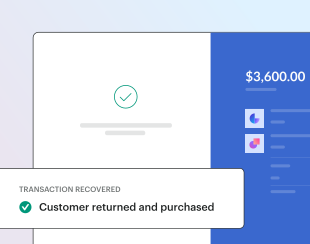
With a 10-30% recovery rate, Paddle's checkout recovery emails work out-of-the-box to continuously recover revenue that would otherwise be permanently lost. Transform abandoned purchases into completed sales, boosting your bottom line without lifting a finger.
Checkout recovery emails are automatically turned on if you signed up for Paddle after May 2, 2025 — no additional setup or integration required.
Over $320 million in sales are lost monthly. Recover those transactions to leave no money on the table.
Strategic timing ensures follow-up emails arrive when customers are most likely to return.
Preoptimized emails are automatically sent with no technical setup and at no extra cost to you.
How it works
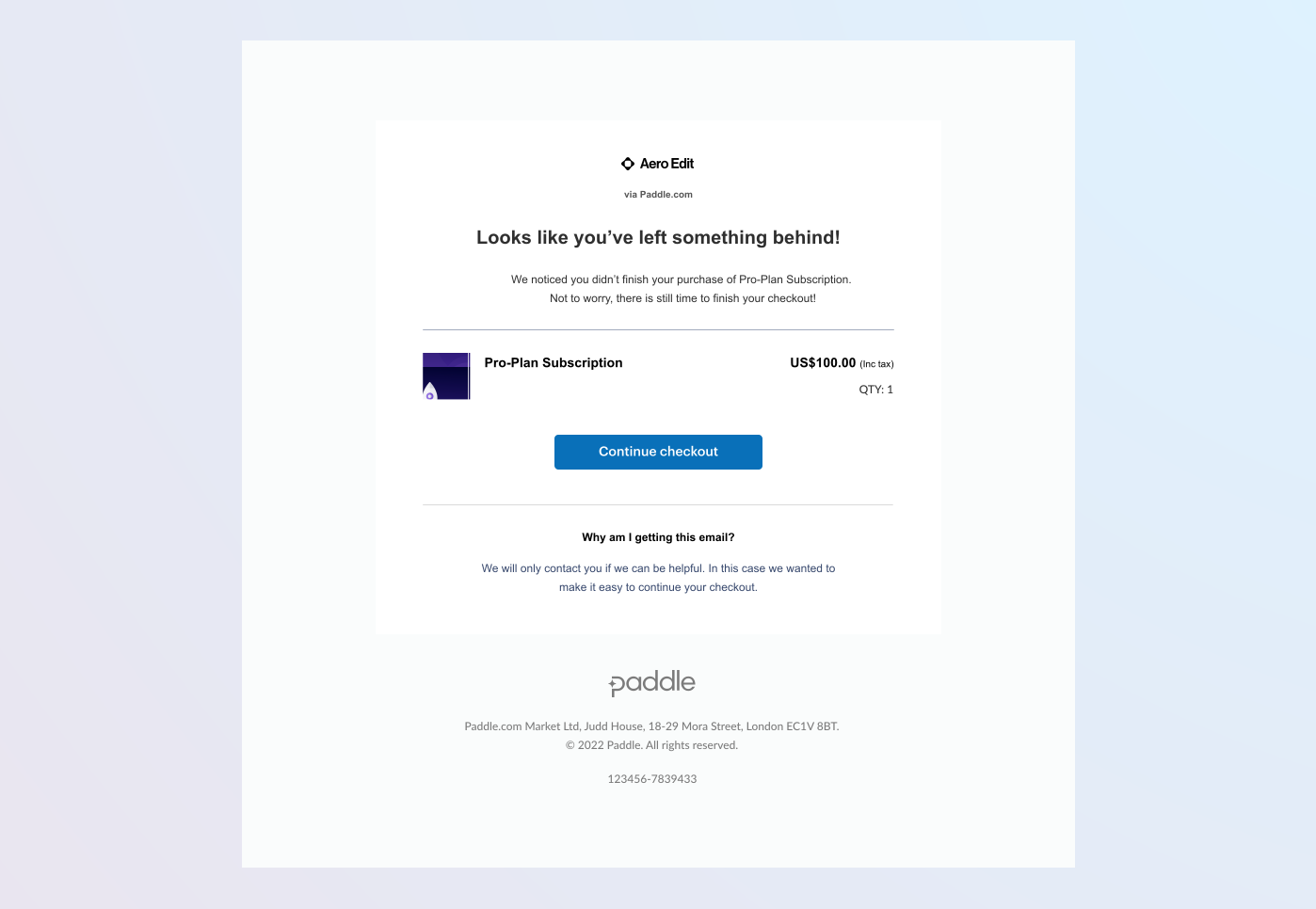
Checkout recovery works by automatically emailing customers 60 minutes after they abandon a checkout.
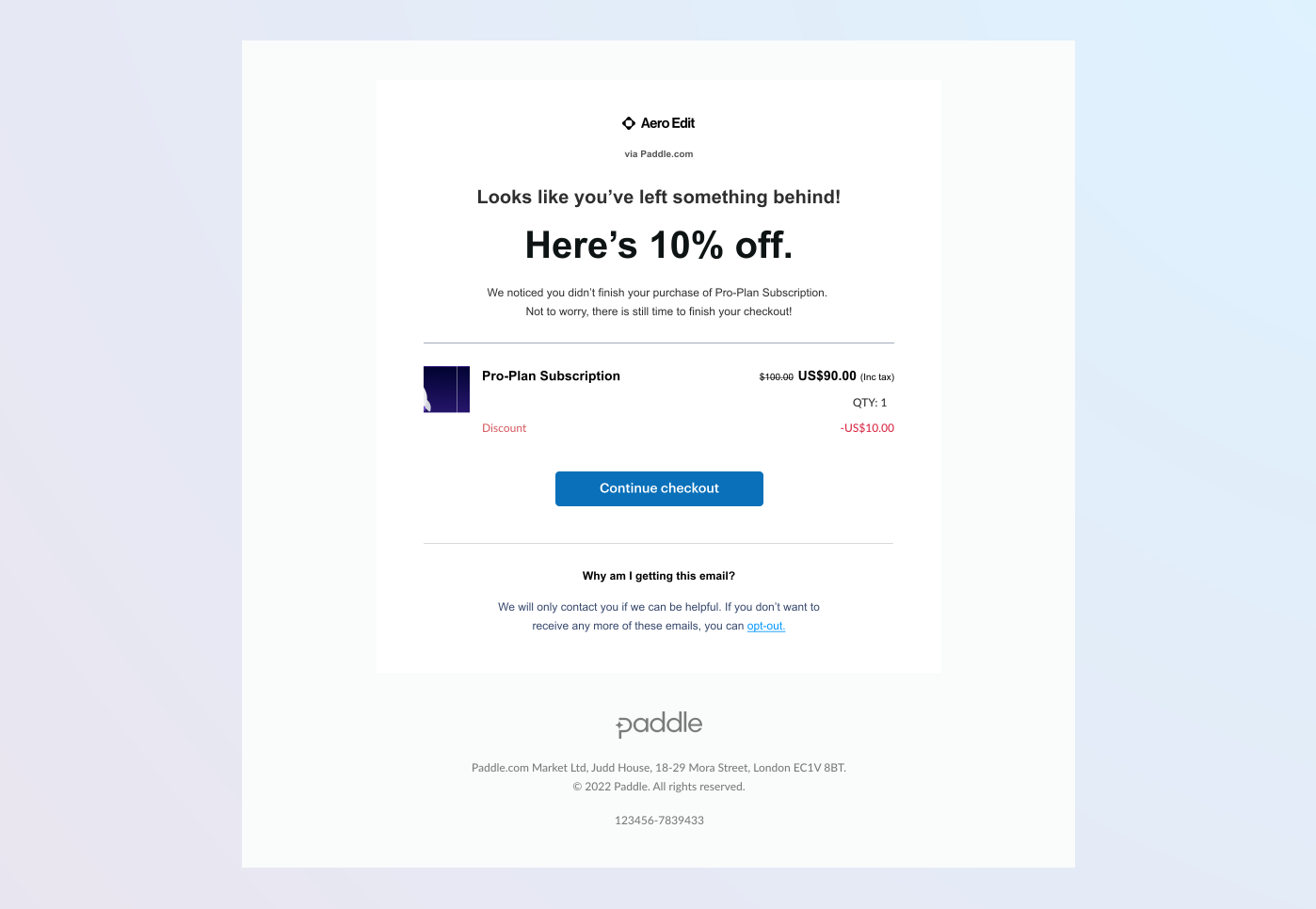
You can optionally offer discounts on abandoned transactions. Customers are more likely to return and make a purchase when you offer a discount. Our testing shows that 10-20% discounts are the most effective.
The content of the email is optimized to maximize conversion rates and includes a link that reopens the abandoned checkout with any discount automatically applied. No further integration is needed — Paddle does the heavy lifting for you.
Customer journey
Customer opens checkout
You can set up either an overlay checkout or use an embedded inline checkout to let customers checkout and purchase products with Paddle.
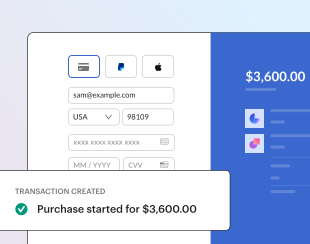
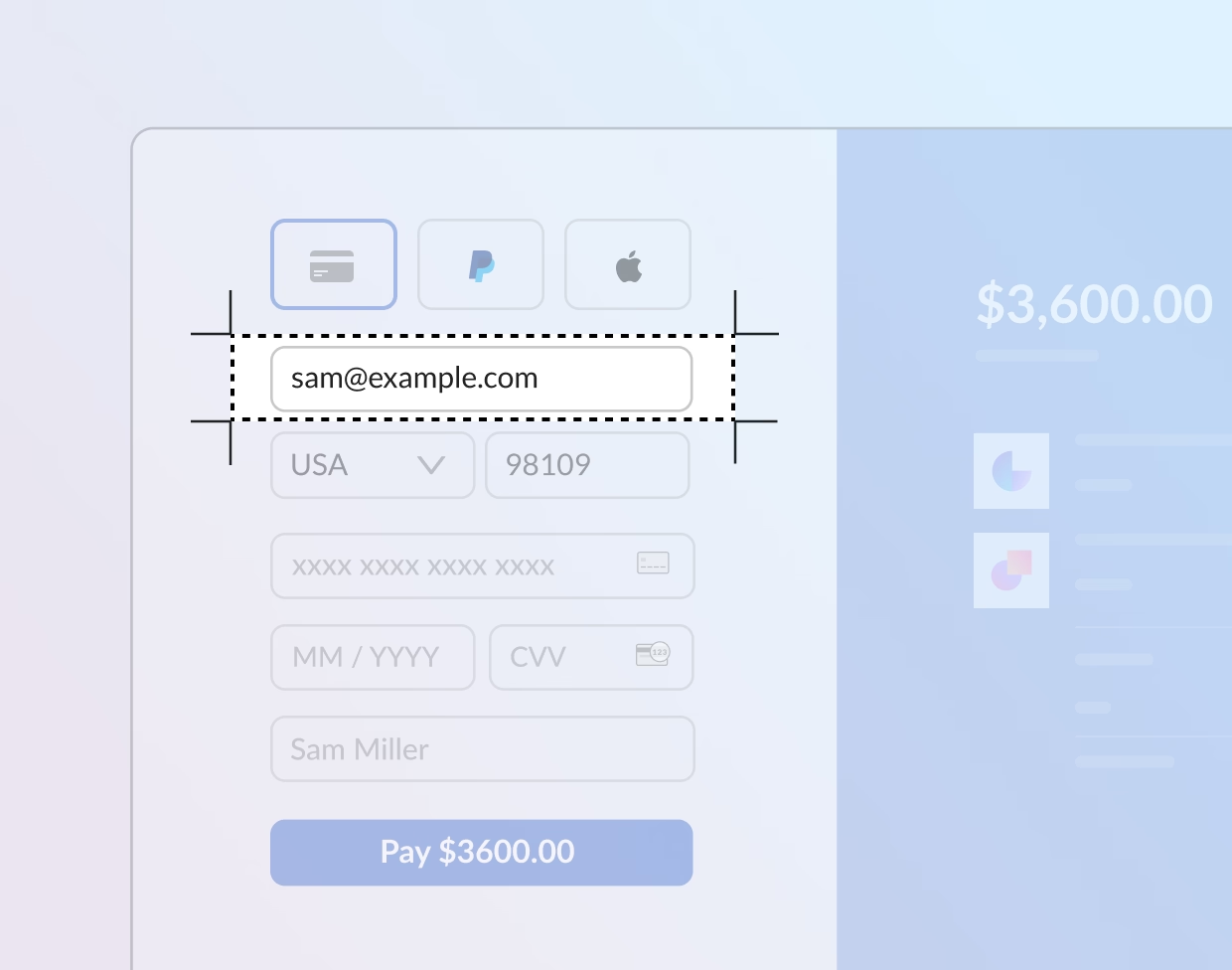
Customer starts entering their details
When a customer begins checkout, Paddle creates a draft transaction. Early in the checkout flow, customers can enter their email address. This links the customer to the transaction and enables Paddle to send them recovery emails.
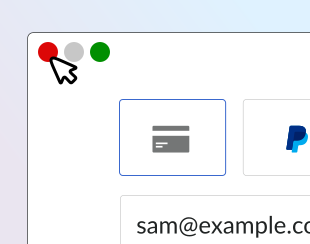
Customer leaves checkout
If a customer leaves the checkout without completing their purchase, Paddle considers the checkout and transaction abandoned. Paddle automatically tracks abandonment in the background.
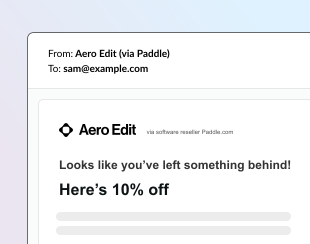
Paddle sends a recovery email
After 60 minutes without purchase, Paddle sends an email prompting the customer to return and complete the transaction. The email includes details of your configured discount and a link to reopen the checkout.
Customer returns and completes checkout
When the customer clicks the link in the recovery email, the checkout reopens with the discount automatically applied. The customer can then complete their purchase. This recovers the transaction and converts a previously lost sale.