
Build integrated checkout experiences with inline checkout. Customers sign up and pay for subscriptions as part of your app or website, making for a seamless experience.
Using inline checkout, you can:
- Create checkout experiences that are fully integrated with your app or website.
- Choose whether to present a one-page or a multi-page checkout experience.
- Let Paddle securely capture customer and payment information in an optimized checkout frame.
- Display items, totals, and other information from Paddle on your page.
- Use Paddle.js methods and events to build advanced checkout experiences.
How it works
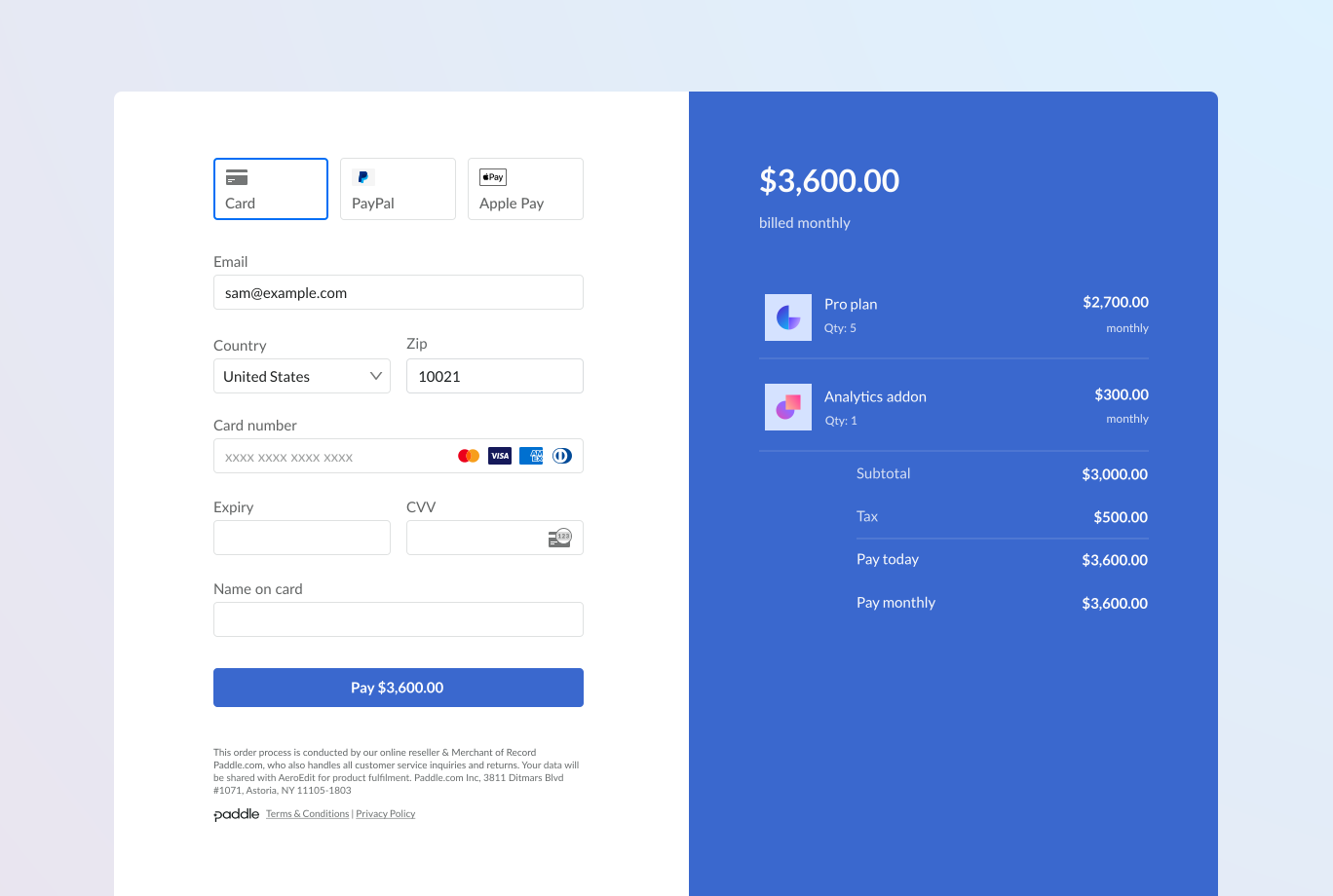
Inline checkout works by embedding a frame with Paddle Checkout into your website or app.
The checkout frame handles collecting customer information and capturing payment details. Your page displays the items list, totals, and options for changing what's on the checkout. Paddle.js lets your page and the checkout frame interact with each other.
Paddle automatically creates a subscription when a checkout completes, ready for you to provision.
It's important that customers know who they're buying from, what they're buying, and how much they're paying.
To build an inline checkout that's compliant and optimized for conversion, your implementation must include:
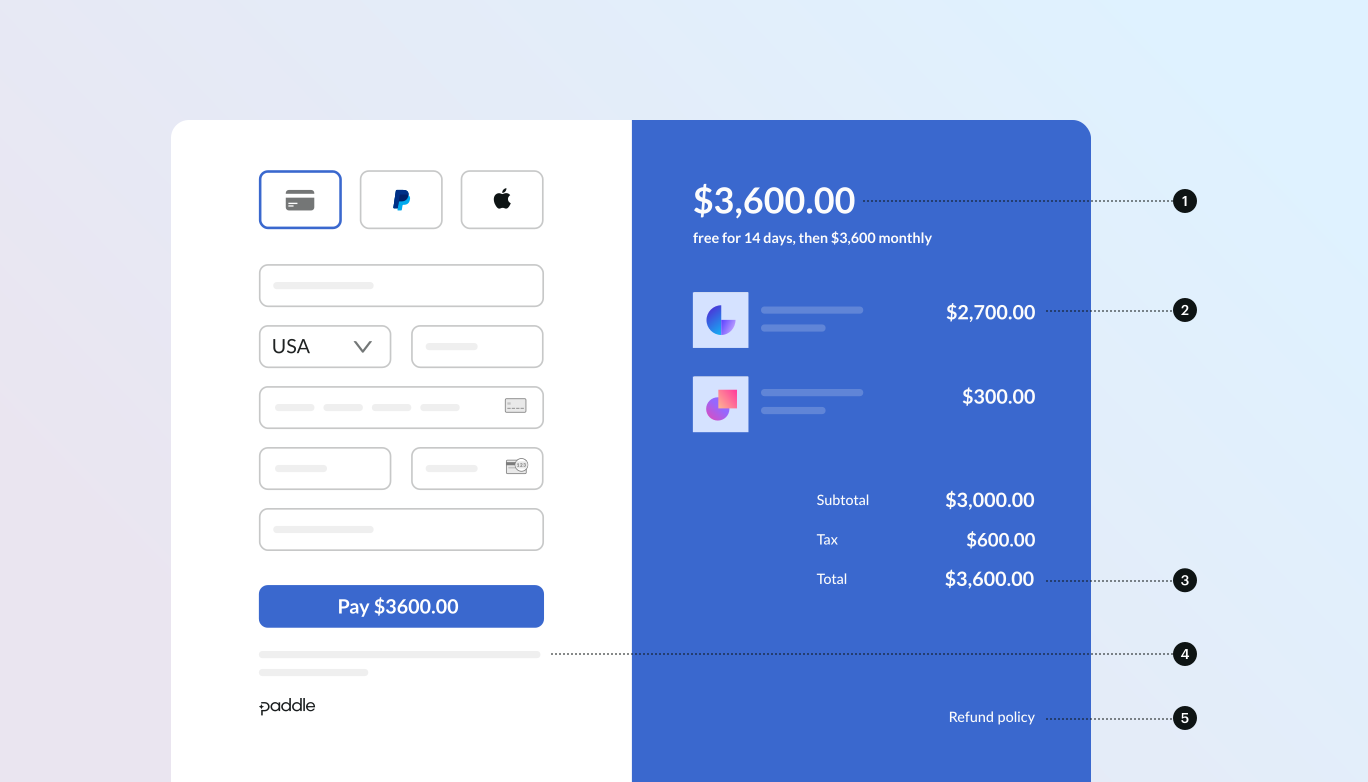
- If recurring, how often it recurs and the total to pay on renewal. If a trial, how long the trial lasts.
- A description of what's being purchased.
- Transaction totals, including subtotal, total tax, and grand total. Be sure to include the currency too.
- The full inline checkout frame, including the checkout footer that has information about Paddle, our terms of sale, and our privacy policy.
- A link to your refund policy, if it differs from the Paddle.com standard refund policy.
Customer journey
Customer opens a checkout
You can open inline checkout by passing items or an existing transaction. Use Paddle.js to show and update on-page information, and Paddle.js methods to update items based on customer interaction.
Customer enters their details on one screen
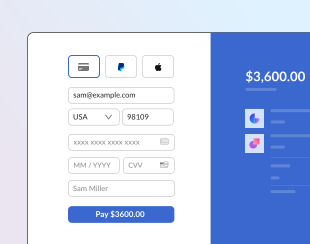
Inline checkout asks customers for their email, country, and (in some regions) ZIP or postal code. On the same screen, customers are presented with the card payment form, as well as options to pay with PayPal, Apple Pay, Google Pay, or other local payment method.
You can prefill customer details and present saved payment methods to speed up checkout.
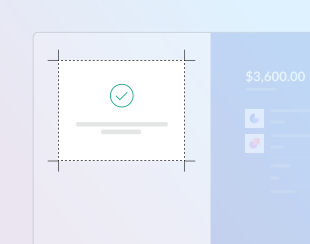
Checkout completed
Paddle routes every payment to the best acquirer for that sale to get the best possible chance of success. Customers enter a success workflow that you can build.
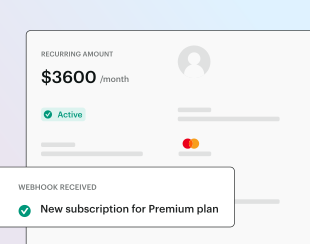
Paddle creates a subscription
Paddle automatically creates a subscription for the customer, ready for you to provision. The payment method the customer used is held on file for renewals or subscription changes.
Customer opens a checkout
You can open inline checkout by passing items or an existing transaction. Use Paddle.js to show and update on-page information, and Paddle.js methods to update items based on customer interaction.
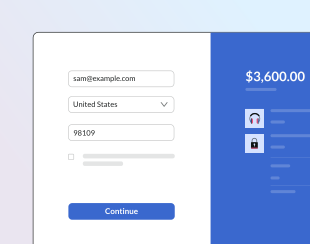
Customer enters their details
Inline checkout asks customers for their email, country, and (in some regions) ZIP or postal code. You can prefill this information to skip this step entirely.
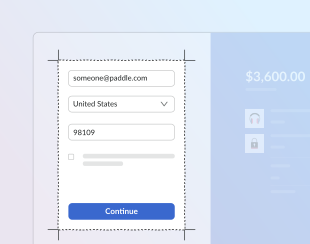
Customer chooses a payment method
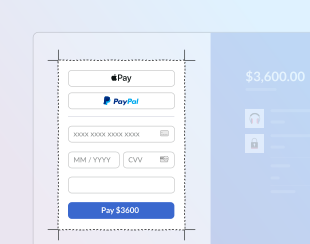
Customers land on a card payment form, or they can choose to pay with PayPal, Apple Pay, Google Pay, or other local payment method.
Checkout completed
Paddle routes every payment to the best acquirer for that sale to get the best possible chance of success. Customers enter a success workflow that you can build.
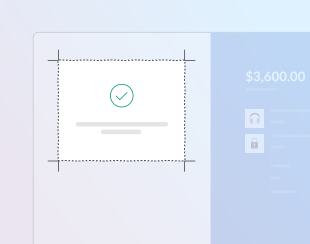
Paddle creates a subscription
Paddle automatically creates a subscription for the customer, ready for you to provision. The payment method the customer used is held on file for renewals or subscription changes.