
What's new?
We added a new name field to price entities that you can use to describe a price to customers.
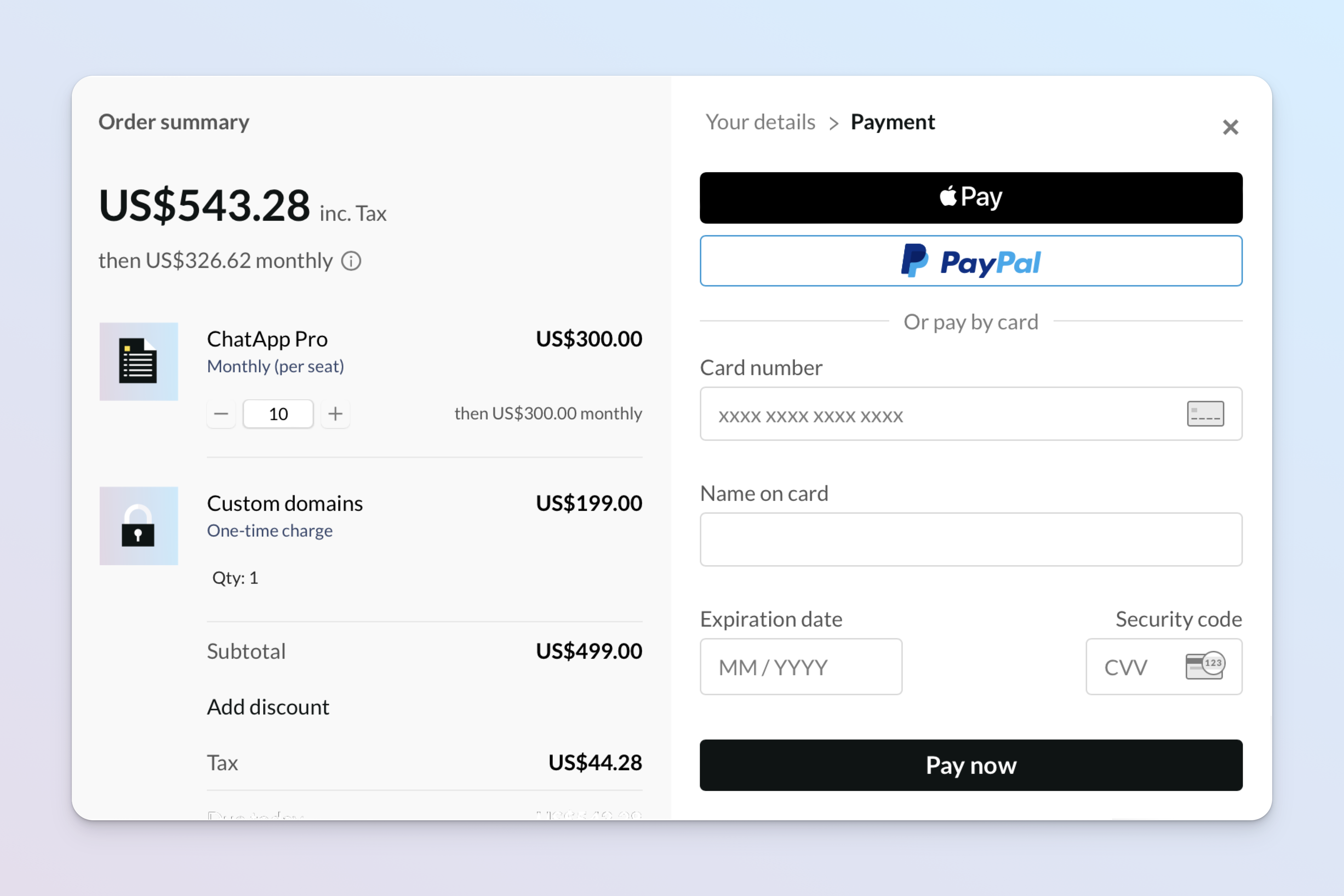
Name of this price, shown to customers at checkout. Typically describes how often the related product bills.
If present, a price name appears next to the product name when using overlay checkout. It's returned in events emitted by Paddle.js, so you can use it in inline checkout implementations.
How it works
A complete product in Paddle is made up of a product entity that's related to one or more price entities.
Products describe the items that customers can purchase, and prices work with products to describe how much and how often they're billed. For example, you might have a product for a "Pro plan" that has two related prices: "Monthly" and "Yearly."
Prices have a description field, but this is intended for internal notes for your team. Paddle Checkout, invoice documents, and emails sent from Paddle include the product name only.
The new name field against prices lets you create customer-facing descriptions of prices. It's shown next to the product name when using overlay checkout and on emails from Paddle. It's great for showing more information about how the related product bills.
name is not a required field, so you're free to omit this when creating prices if you don't need to show customers this information.
This is a summary of the changes to fields in the Paddle API and webhooks:
price.name | New | New field added. |
This is a summary of the changes to Paddle.js events:
data.items[].price_name | New | New field added. Returns the name of the price for the related product. |
Next steps
This change is available in version 1 of the Paddle API.
It's a non-breaking change, meaning it doesn't impact existing integrations.
You can create or update prices using the API or Paddle dashboard to start adding names to your prices.
Summary of changes
| Entity | Field | Change | Type |
|---|---|---|---|
| Price | name | + Added | Field |
| Customer-facing price name, shown at checkout. | |||